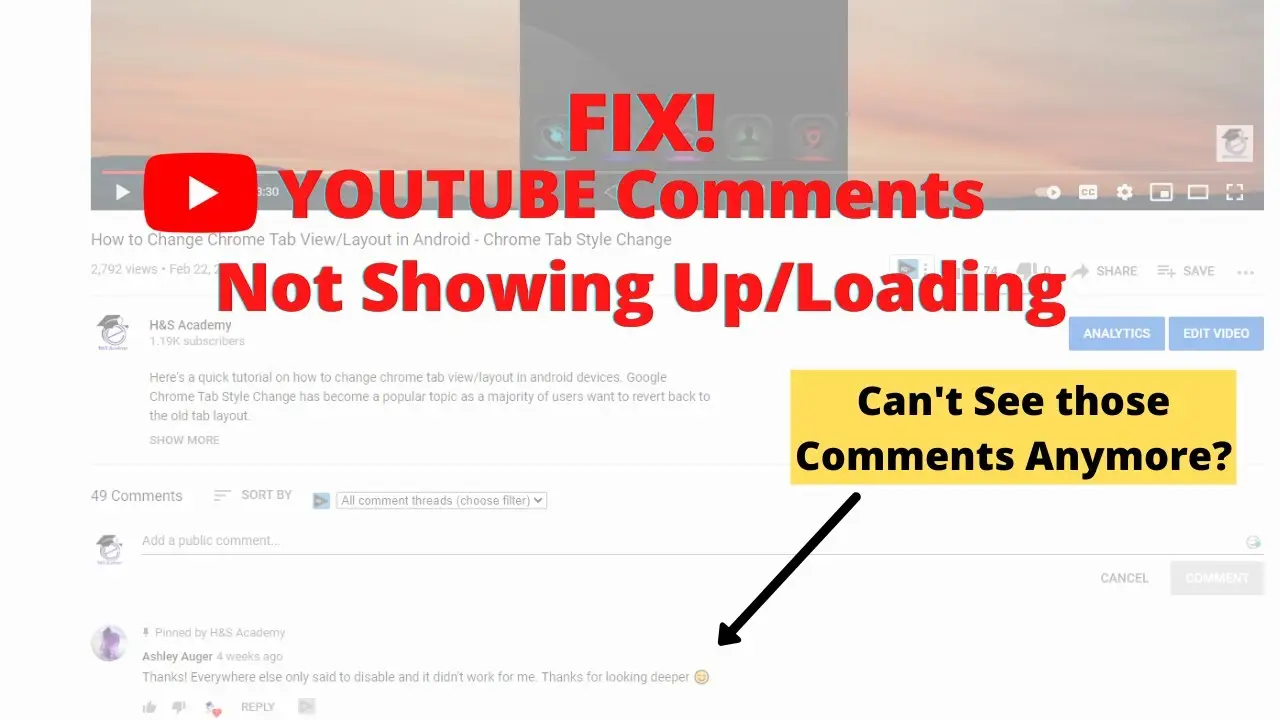
You open YouTube. You watch a video. You liked it and want to comment on it. But you noticed that YouTube comments are not loading. Frustrated with that and you turn it off.
I know it’s irritating when you can’t comment on your favorite YouTuber’s video to tell him how much you liked his content. On second thoughts, you may think “let’s ignore it, I’ve seen the video and that’s all I care about” but this is not how it would work in the long run. Let me share with you an interesting fact and then we will discuss the solutions.
Do you know, YouTube is the 2nd most popular search engine platform after Google? The popularity of YouTube is mostly because the creators know how to keep visitors longer to the platform by engaging them. That is, it works so well because of engaging content. But, do you know what increases the engagement? Comments.
You will have doubts, and you would want to ask the YouTuber about it and that’s when you would want to solve this problem as soon as possible.
However, content creators (Youtubers) and viewers usually face issues like; not showing channel icon, subscribers numbers and more often video comments. Recently, a huge number of queries have been noticed by the Youtubers and also the views regarding not loading the Youtube video comments. Well, we have analysed the trouble and are giving you the fix here.
Therefore here’s a list of easy fixes on what to do when YouTube comments are not loading or gone at all.
11 Ways To Fix “YouTube Comments Not Loading” Issue
This issue is very annoying sometimes for Youtubers while they are doing live streams to get one-to-one interaction to their viewers and same for the viewers also. Since, it’s a random issue and has multiple reasons to occur so have the multiple solutions to resolve comments loading issues.
However, there are many ways to rectify the issue “youtube comments not loading” and proudly we’re going to explain to you each and every possible way to sort this Youtube problem. All these solutions are easy-peasy to follow and some of them are quite time consuming though but we make sure to you, your “Youtube comments gone” issue will be sorted like as smooth as butter.
Along with each way, I have also included why it might be a problem so that if you face the issue again you would know what is the problem and more importantly how to fix it.
1. Check Your Internet Connection
The most common reason why YouTube comments are not showing up is that your system might be running on a slower internet.
In such a situation, the first step is to recheck your internet connection. You must have a good data speed to be successfully able to stream YouTube.
If your network is slow then here’s a little trick to fix it.
- Turn off your mobile data.
- Turn on Airplane mode.
- Wait for a minute or two and then turn off airplane mode.
- Turn on your mobile data.
2. Make Sure You Are Signed In With An Google Account
If your internet connection is fast and YouTube comments are still not loading then another possible reason could be that you are not signed in.
- My suggestion is to sign in using your Google account.
- Many people have noticed that YouTube comments are visible to them only when they were signed up with their Google accounts.
- To sign up to YouTube click on the “sign-in” button on the top right corner of the YouTube home screen.
- From there you can enter your Google email and password.
3. Try Reloading YouTube
Sometimes, it’s YouTube that is causing the problem.
- Therefore, when you have confirmed that you are signed in with your Google account and have an internet connection then it’s always a good practice to close all tabs and reload YouTube.
- Reloading it will mostly help you.
Also Check: How to Disable Auto Playing Videos on Google Chrome?
4. Is it The Video Creator Who Has Made The Settings?
Many times YouTubers disable the comments option on their videos to avoid bad comments or “spam comments”.
To make sure that it is the reason why YouTube comments are not visible to you go to a different video and scroll down to the comments section.
If you can see comments then it is confirmed that the YouTuber made the changes so that people can’t comment on his video.
5. Set Comment Sorting Settings From Newest to Oldest Comments
If you can see the comments section but no comments at all then you can easily fix this by changing the settings.
- Simply click on the three dots on the top right corner of the comments section and sort from newest to oldest.
- You will see that the section is refreshed automatically and the screen will be filled with comments.
6. Open In The Incognito Window or Private Window
When none of the above methods works it’s time to see if it is cache and cookies that are causing the problem.
- To find this, open a new incognito window or If you’re using Firefox, open the private window. Now load YouTube and the same video.
- Now scroll down to see if you can find the comments section below.
- If so, then you have some cleaning to do.
7. Clear Browser Cache
A lot of times when your applications or sites are not working correctly it is because of the stored cache or cookies that is the issue.
- To fix this, go to Chrome settings and clean all the cache and cookies.
- Refresh the page and see if this was helpful.
- If not, move to the next step.
8. Clear YouTube Cache.
This time it is YouTube’s cache that needs to be cleared.
- Open Settings on your android phone and then click on apps.
- From there, find YouTube and click on clear cache. If this didn’t work, you can also clear YouTube data and start fresh.
- On the iPhone, you should delete the YouTube app and reinstall it.
Note – You should regularly clear cache to keep the site to the newest version. If a cache is not cleared regularly you will see an older version of a site and could miss out on most of the updates that were made on the site.
Also Check: How to Fix “Chromium Host Executable” Issue?
9. Disable Extensions And AdBlockers
Another possible reason can be the extension and ad blockers. These can sometimes interfere with websites like YouTube.
- It’s time to delete some extensions and disable Ad Blockers that may be causing the problem.
- Go to the manage extensions page and remove all those unwanted extensions that you don’t use anymore.
- Also, disable Adblockers on the settings page and check if this fixed the problem.
10. Update Your Browser
Firefox users also looking out for a way to solve “youtube comments not loading in Firefox”. Whether you’re using Google Chrome or Firefox, If the above step also didn’t work then try updating your browser because they are regularly releasing updates and sometimes updating to the latest version can be helpful.
See if this helped?
11. Wait For YouTube’s Fix
As I just told you, they are always releasing new versions but not only that they are also fixing bugs. And this time, it could be a bug that YouTube might be fixing behind the scenes.
Therefore it’s best to wait for a few days and come back to check again. In the meantime, ensure that cache is cleared regularly and the YouTube app is of the latest version.
Conclusion
To conclude, these were 11 simple ways that I suggest you implement when YouTube comments are not showing up or gone. In most cases, it is all because you haven’t cleared the browser’s cache. I have fixed a lot of problems by simply clearing the cache. So, now when you know what to do when you encounter this issue.
Let me know in the comments section which way helped solve the comments not loading problem? Is there any way that I missed it?
The post How To Fix “Youtube Comments Not Loading” Issue? appeared first on Techieowl.com.
You open YouTube. You watch a video. You liked it and want to comment on it. But you noticed that …
Read more
The post How To Fix “Youtube Comments Not Loading” Issue? appeared first on Techieowl.com. Read More